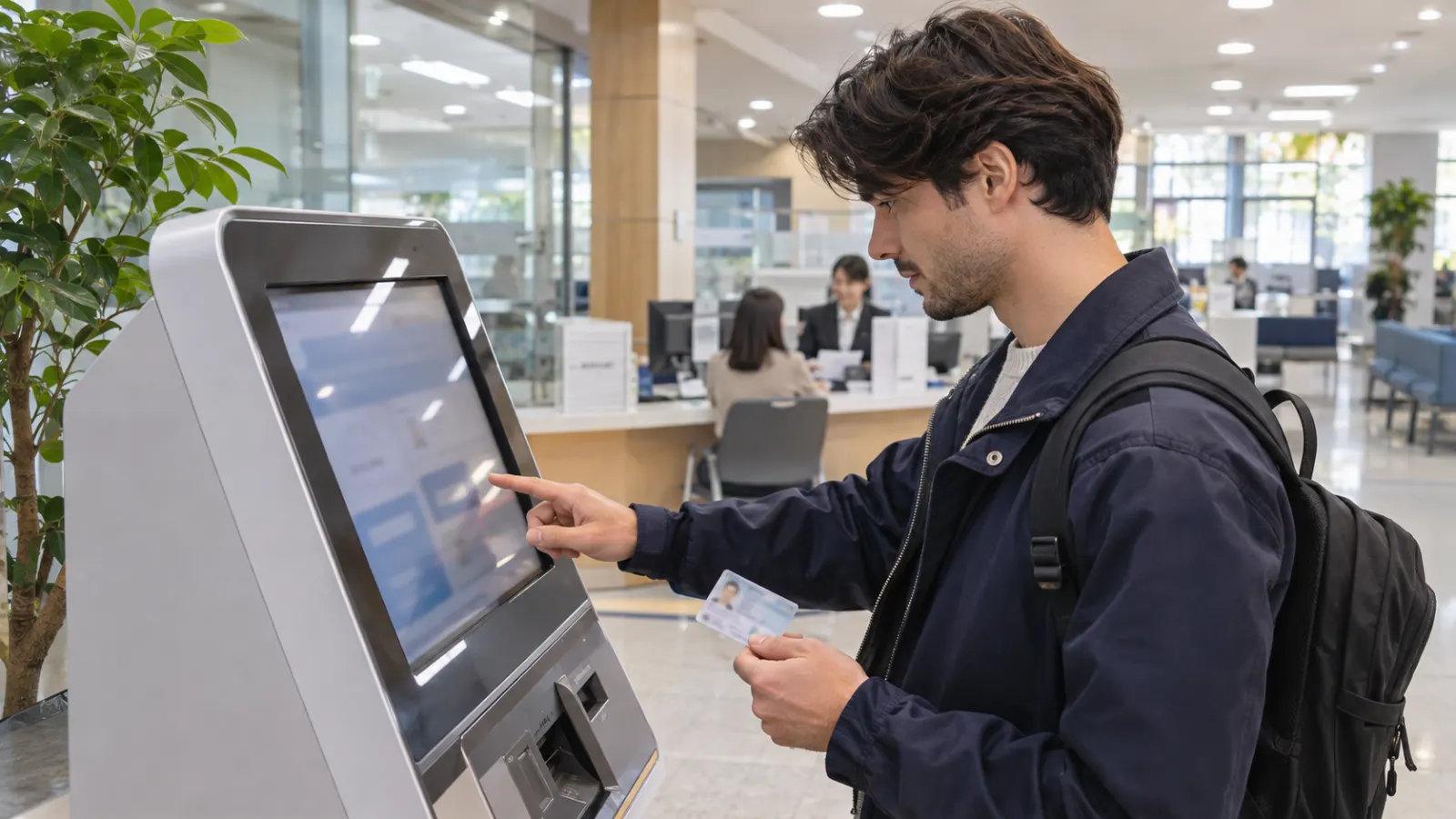
You need an official Korean document for a bank, employer, university, or administrative procedure, but the local government office is closed. You may notice a self-service machine in a subway station or public building and wonder whether it can print the document you need.
Korea has government document kiosks called 무인민원발급기 (muin minwon balgeupgi), but foreign residents should check document eligibility and identity-verification requirements before visiting. Some machines operate outside ordinary office hours, and Government24 provides an official tool for finding them.
This guide explains how to locate a kiosk, what to check before using it, and when visiting a staffed government office is the better option.
What Is a Government Document Kiosk?
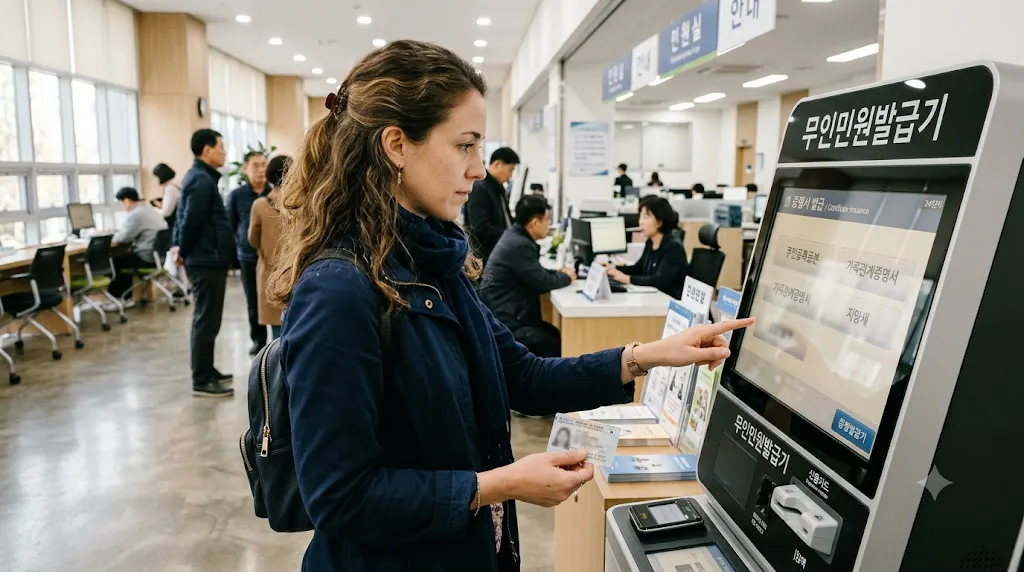
A 무인민원발급기 is a self-service machine for issuing official administrative certificates.
The Korean name can be broken down into three parts:
- 무인 (muin): unmanned
- 민원 (minwon): administrative or civil-service request
- 발급기 (balgeupgi): issuing machine
Together, the term refers to an automated public document issuance machine.
These are different from ordinary printing kiosks at convenience stores or stationery shops.
A government document kiosk connects to authorized administrative services and issues supported official documents.
The Ministry of the Interior and Safety describes the service on its official government kiosk information page.
The ministry identifies document issuance through automated systems as an alternative to visiting a local government service counter.
Where Can You Find Government Document Kiosks?
The most reliable starting point is the official Government24 directory.
Visit the Government24 unattended document issuance directory.
Look for:
무인민원발급기 설치장소 안내
This means "Government Document Kiosk Location Information."
The directory allows users to search by geographic area and installation location.
It also includes filters for particular document categories.
How to Search for a Nearby Kiosk
- Open the Government24 kiosk directory.
- Select your province or metropolitan city.
- Narrow the search to your district.
- Enter a location name if necessary.
- Review the available machines and their operating information.
- Confirm whether the selected machine provides the certificate you need.
Government24 also offers a map-view option.
The directory was available through the official government service when checked on November 10, 2026.
Are Kiosks Available 24 Hours a Day?
Some are, but many are not.
The operating hours depend on the machine's installation location and the local government responsible for it.
A kiosk inside a government office may be unavailable after the building closes.
A kiosk installed in an accessible public area may have longer operating hours.
Even a machine advertised as operating continuously may become temporarily unavailable because of maintenance, technical problems, or building-access restrictions.
Government24 explicitly warns that operating hours and fees vary according to local administrative arrangements.
Check the specific machine rather than assuming all kiosks are available at night.
What Documents Can Government Kiosks Issue?
The government kiosk system supports multiple categories of administrative documents.
The Ministry of the Interior and Safety lists document services involving areas such as:
- Resident registration
- Land and building records
- Tax-related certificates
- Educational certificates
- National health insurance certificates
- Employment and industrial accident insurance documents
- National pension certificates
However, there are two important limitations.
First, not every machine supports every document.
Second, not every applicant is eligible to obtain every document.
Why Document Eligibility Matters for Foreigners
A foreign resident may need a document that sounds similar to one commonly issued to Korean citizens.
For example, a Korean institution might request proof of an address or residence status.
However, the document called 주민등록등본, or resident registration transcript, is not automatically the correct document for every foreign national.
Foreign residents may instead need documentation issued under the foreign residence registration system.
Those are different administrative records.
Likewise, Korean family relationship certificates and other civil records have specific eligibility rules.
A kiosk's ability to print a particular certificate does not establish that every foreign resident can request it.
Before visiting, confirm the exact Korean document name with the organization requesting it.
How to Check Whether a Kiosk Supports Your Document
The Government24 directory provides filters for particular document categories, including:
등기부등본
A real estate registration document.
가족관계
Family relationship records.
These filters help users identify whether particular services are offered at a specific machine.
However, they do not replace an eligibility check.
For example, if a machine supports family relationship certificates, that does not mean it can necessarily issue the record you need.
The official directory distinguishes document availability from the machine's location and operating hours.
If your document is not listed or you are unsure of the proper certificate category, use Government24's administrative service search or contact the issuing authority.
How Identity Verification Works
Some government documents require the applicant to verify their identity before issuance.
The Ministry of the Interior and Safety explains that fingerprint-based identity verification is part of the government's kiosk system.
This is particularly important for foreign residents.
You should not assume that presenting a passport or Korean Residence Card automatically satisfies every machine's verification procedure.
Whether an individual foreign applicant can complete authentication depends on the requested service and the identity information accepted by that system.
What If the Machine Does Not Recognize Your Identity?
If the kiosk cannot complete verification:
- Stop the transaction rather than repeatedly entering different personal information.
- Confirm that you selected the correct document.
- Check whether the service supports your identification category.
- Record the displayed error message if possible.
- Contact the issuing authority or use a staffed service counter.
A failed fingerprint or identification check does not necessarily mean your residence status is invalid.
It may simply mean that the selected document or verification method is unsuitable for your circumstances.
If the machine requests a Korean identification number, never substitute someone else's number.
How to Use a Government Document Kiosk
The exact screen layout depends on the machine and document, but a typical process involves the following steps.
Step 1: Select the Document Category
Find the relevant service on the touchscreen.
You may need the Korean name rather than an English translation.
For example, the following terms may appear:
| Korean | English meaning |
|---|---|
| 증명서 | Certificate |
| 발급 | Issue or print |
| 본인확인 | Identity verification |
| 수수료 | Fee |
| 출력 | |
| 취소 | Cancel |
Step 2: Follow the Identification Instructions
Complete any required identification process using the method supported by the machine.
Do not assume all machines provide the same authentication options.
Step 3: Review the Document Details
Check the selected certificate and any available information-disclosure options.
Some documents may offer different levels of personal information disclosure.
Choose the version required by the receiving institution.
Step 4: Pay Any Applicable Fee
Some administrative certificates are free, while others involve an issuance fee.
The amount depends on the document and applicable local rules.
Government24 advises that fees can vary.
Follow the payment options displayed on the machine.
Step 5: Collect the Printed Certificate
Wait until printing has finished.
Check that all pages have been issued and that the document is legible.
Before leaving, confirm that you have collected any identification documents or payment cards used during the transaction.
When Should Foreign Residents Use Government24 Instead?
A physical kiosk is not always the easiest option.
Government24 operates a dedicated foreigner service at:
https://foreigner.gov.kr/?langCd=en
The portal provides an official starting point for government services available to foreign users.
Depending on the document, an online application may be more practical than locating a kiosk.
However, online availability also depends on the particular service and its identity-verification requirements.
A document being listed on a government website does not necessarily mean every foreign national can obtain it digitally.
If you cannot access an online service, check whether the corresponding administrative office accepts in-person applications.
Kiosk, Online Service, or Staffed Office?
Use the following decision guide.
| Your situation | Recommended starting point |
|---|---|
| You know the exact certificate and can use its verification process | Government kiosk |
| You need an official document available through an online foreigner service | Government24 |
| You are unsure which certificate is appropriate | Staffed administrative office |
| The document requires a special eligibility check | Relevant issuing authority |
| Identity verification repeatedly fails | Staffed office or official service support |
For foreign residents, identifying the correct certificate is often more important than choosing the fastest printing method.
What to Do When a Kiosk Is Unavailable
Do not repeatedly travel between machines without checking the document requirements.
Instead, contact the relevant office.
A 주민센터 (jumin center), also called an administrative welfare center, can help with many local administrative matters.
However, immigration-related documents may require the relevant immigration authority rather than an ordinary neighborhood office.
Government24 lists the following support contacts:
- 1588-2188
- 02-721-0600
- Government Civil Service Call Center: 110
The published Government24 support hours for its main call center are weekdays from 9:00 a.m. to 6:00 p.m.
The government information line 110 is described as operating continuously.
Check the official Government24 support information before calling.
Common Mistakes to Avoid
Mistake 1: Assuming Every Kiosk Is Open All Night
The location and building determine actual access.
Mistake 2: Choosing a Document by Its English Translation Alone
Similar-sounding Korean certificates may come from completely different administrative systems.
Mistake 3: Assuming a Residence Card Guarantees Kiosk Access
Document eligibility and identity verification must be checked separately.
Mistake 4: Traveling Without Checking Document Availability
A nearby kiosk may not provide the particular certificate you need.
Mistake 5: Treating a Failed Kiosk Transaction as a Legal Refusal
Technical or authentication problems may require a different issuance method.
Before You Visit: Five Things to Confirm
Ask yourself:
- What is the exact Korean name of the required certificate?
- Is a foreign resident eligible to request it?
- Does the selected machine support that document?
- Can you complete the required identity verification?
- Is the machine accessible at the time you intend to visit?
If any answer is unclear, contact the issuing authority before making the journey.
This guide reflects the Ministry of the Interior and Safety and Government24 information checked on November 10, 2026. Individual kiosk services, payment methods, and eligibility rules may vary.
Quick Summary
- Korean government document kiosks are called 무인민원발급기 and provide automated issuance of supported official certificates.
- Use the Government24 kiosk directory to check machine locations, operating hours, and selected document services.
- Foreign residents must confirm both eligibility for the document and the kiosk's identity-verification requirements.
- If the kiosk cannot issue the required certificate, use Government24's foreigner service or contact the relevant administrative office.