How Korean Banking Apps Work and Which Ones Foreigners Should Use
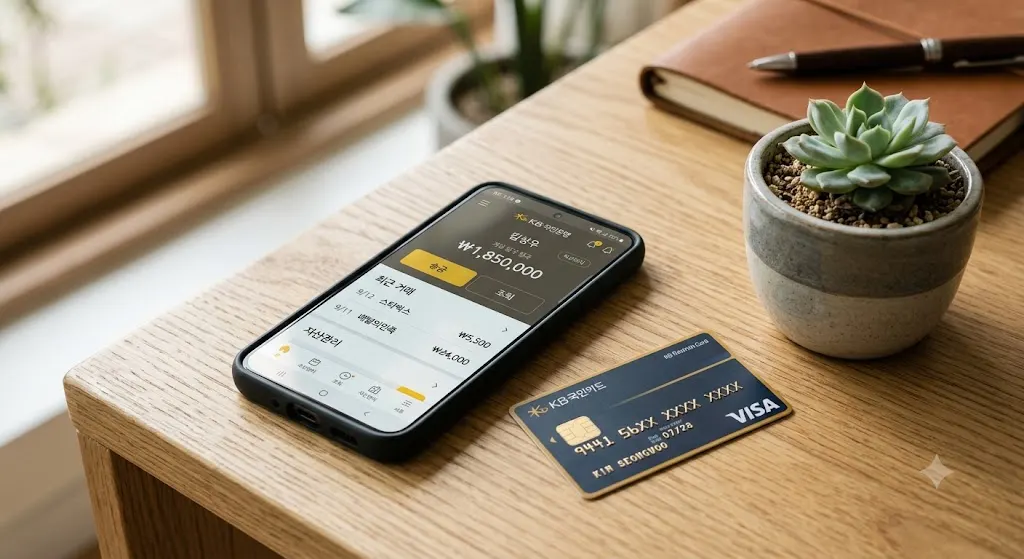
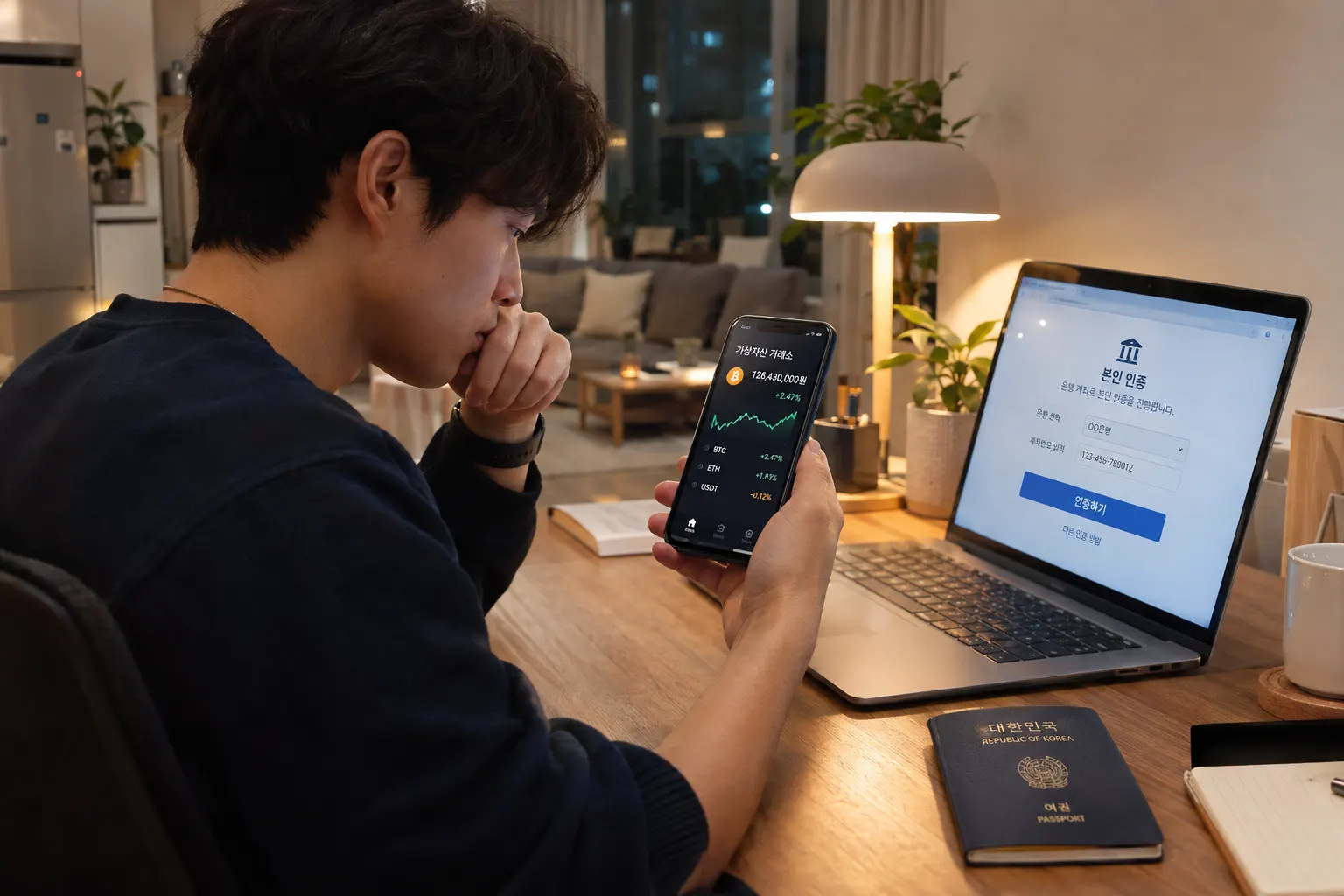
If you've opened a Korean bank account and then struggled to actually use the bank's mobile app, hitting Korean-only menus, unexpected certificate installation prompts, or features that silently assume a level of system access you don't have, you've run into one of the more frustrating gaps between opening an account and actually banking comfortably in Korea. The traditional bank apps and the newer internet-only banking apps behave quite differently, and picking the right one matters more than most new arrivals realize.
Here's how Korean banking apps actually work, and which ones tend to work best for foreign residents.
Traditional Bank Apps vs. Internet-Only Banks
- Traditional bank apps (KB Kookmin, Shinhan, Woori, KEB Hana, and similar) generally offer full banking functionality but were historically built with Korean users as the primary audience, meaning English-language support, while improving, is often less complete than the Korean version, and certain features may only be accessible through the Korean interface.
- Internet-only banks (Toss Bank, Kakao Bank) were built more recently with a stronger focus on app-based usability, and tend to have cleaner, more intuitive interfaces, some offer more accessible English support, though full functionality still generally assumes Korean fluency for edge cases or customer service.
- Many foreign residents end up using a traditional bank for salary deposit and employer requirements, while using an internet-only bank app for everyday transfers and bill management, since the internet-only apps are often simply easier to navigate day-to-day.
Digital Certificates and Security Requirements
A recurring point of confusion for foreign users involves Korea's digital certificate system, historically required for many banking functions beyond basic balance checking.
- Older digital certificates (공동인증서) required installation on each device and periodic renewal, a system that caused genuine frustration for both foreign and Korean users due to its clunky technical requirements.
- Newer simplified certificates and app-based authentication have significantly streamlined this in recent years, many banks now support simpler PIN, biometric, or app-based verification for most everyday functions, reducing the friction that used to be more universal.
- Larger transfers or specific administrative actions may still require additional verification steps, sometimes tied to PASS or a digital certificate, even if daily balance checks and small transfers have become more streamlined.
What to Check Before Choosing Your Primary Banking App
- English-language interface completeness, not just whether an English option exists, but whether it covers the specific functions you'll actually use regularly, like international transfers or bill autopay setup.
- Customer service language support, since even a well-translated app interface doesn't help if you run into an issue requiring a phone call or in-person visit and can't get English support when needed.
- International transfer capability, if you regularly send money abroad, checking which bank's app makes this process smoothest, some internet-only banks have integrated more competitive international transfer features than older traditional bank apps.
- ATM and branch network, relevant if you still need occasional in-person or ATM access, some internet-only banks have more limited physical ATM networks compared to established traditional banks with branches nationwide.
Common Frustrations Foreign Users Run Into
- App requiring a Korean OS language setting or specific phone security software to install correctly, an occasional issue with older or more traditionally built bank apps, less common with newer internet-only bank apps.
- Session timeouts and re-authentication requirements that feel more frequent than banking apps in some other countries, generally a security feature rather than a bug, but worth expecting rather than assuming something is malfunctioning.
- Certain features locked behind additional verification (PASS, digital certificate, or in-person setup) that isn't always clearly explained in English, leading to confusion about why a specific function isn't working as expected.
- Assuming all Korean banking apps function identically. Since interface quality and English support vary significantly bank to bank, a frustrating experience with one bank's app doesn't necessarily predict the same experience with another.
A Practical Approach for New Arrivals
Many foreign residents find that opening an account with a traditional bank first, often necessary for salary deposit setup through an employer, while also setting up a Toss Bank or Kakao Bank account relatively early gives the best combination of required traditional banking access and genuinely easier day-to-day app usability. This dual approach isn't necessary for everyone, but it's a common pattern among foreign residents who found their initial bank's app frustrating to navigate for routine tasks.
Quick Summary
- Traditional Korean bank apps offer full functionality but often have less complete English support than newer internet-only banks like Toss Bank or Kakao Bank.
- Korea's digital certificate and verification system has become more streamlined in recent years, though larger transactions may still require additional authentication steps.
- Checking English interface completeness, customer service language support, and international transfer features before settling on a primary banking app avoids frustration later.
- Many foreign residents use a traditional bank for employer-required functions while relying on an internet-only bank app for easier everyday transfers and bill management.