Finance
How Korean Digital Wallets and QR Payment Codes Actually Work
By New In Korea TeamPublished Updated
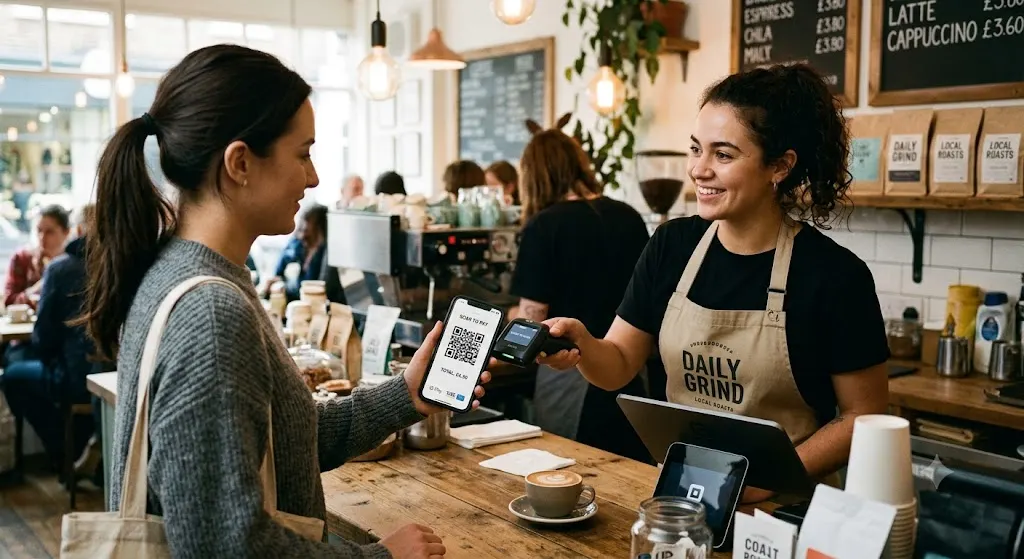
If you've noticed Korean friends or coworkers paying by simply scanning a QR code with their phone rather than tapping a card, and wondered how this specific payment method actually works or whether you can use it as a foreign resident, Korea's QR-based digital wallet payment ecosystem, distinct from simple contactless card tap payment, has become genuinely widespread and worth understanding once you've got the foundational Korean digital accounts set up.
Here's how Korean QR-based digital wallet payments actually work.
How QR Payment Differs From Contactless Card Payment
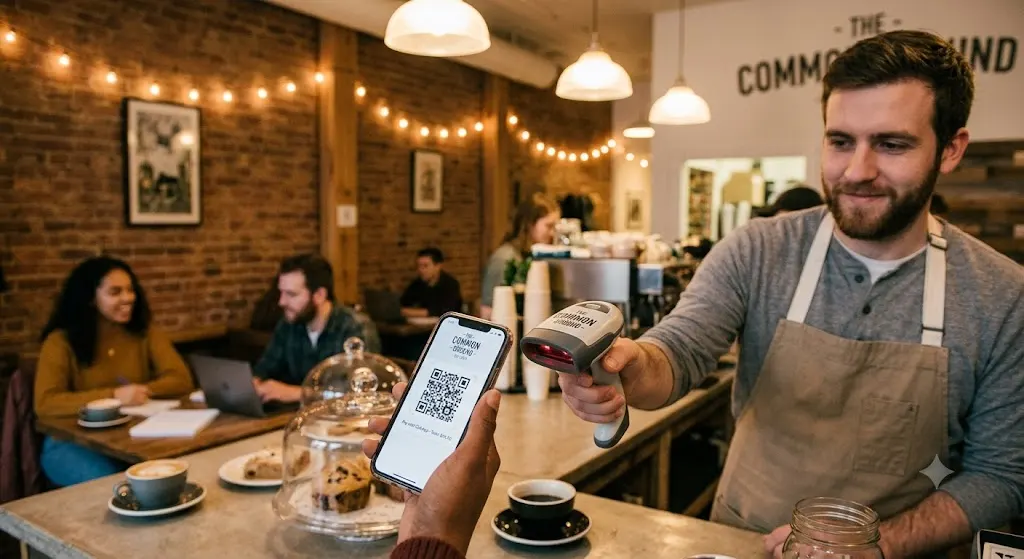
- QR payment generally works through a specific app (Kakao Pay, Naver Pay, Samsung Pay's QR functionality, or a specific bank's own app), displaying a unique QR code on your phone screen that a merchant scans, or scanning a merchant's own displayed QR code, depending on the specific payment flow, rather than tapping a physical card against a reader.
- The underlying payment source varies, some QR payment apps draw directly from a linked bank account, others from a linked credit or debit card, or from a pre-loaded digital wallet balance, understanding your specific app's actual payment source configuration matters for tracking your spending accurately across these different mechanisms.
- This system is deeply integrated into everyday transactions beyond just retail purchases, splitting a restaurant bill among friends, paying rent to a landlord, or sending money to a friend, functioning as a broader digital payment and money transfer ecosystem rather than purely a retail checkout method.
Setting Up QR Payment as a Foreign Resident
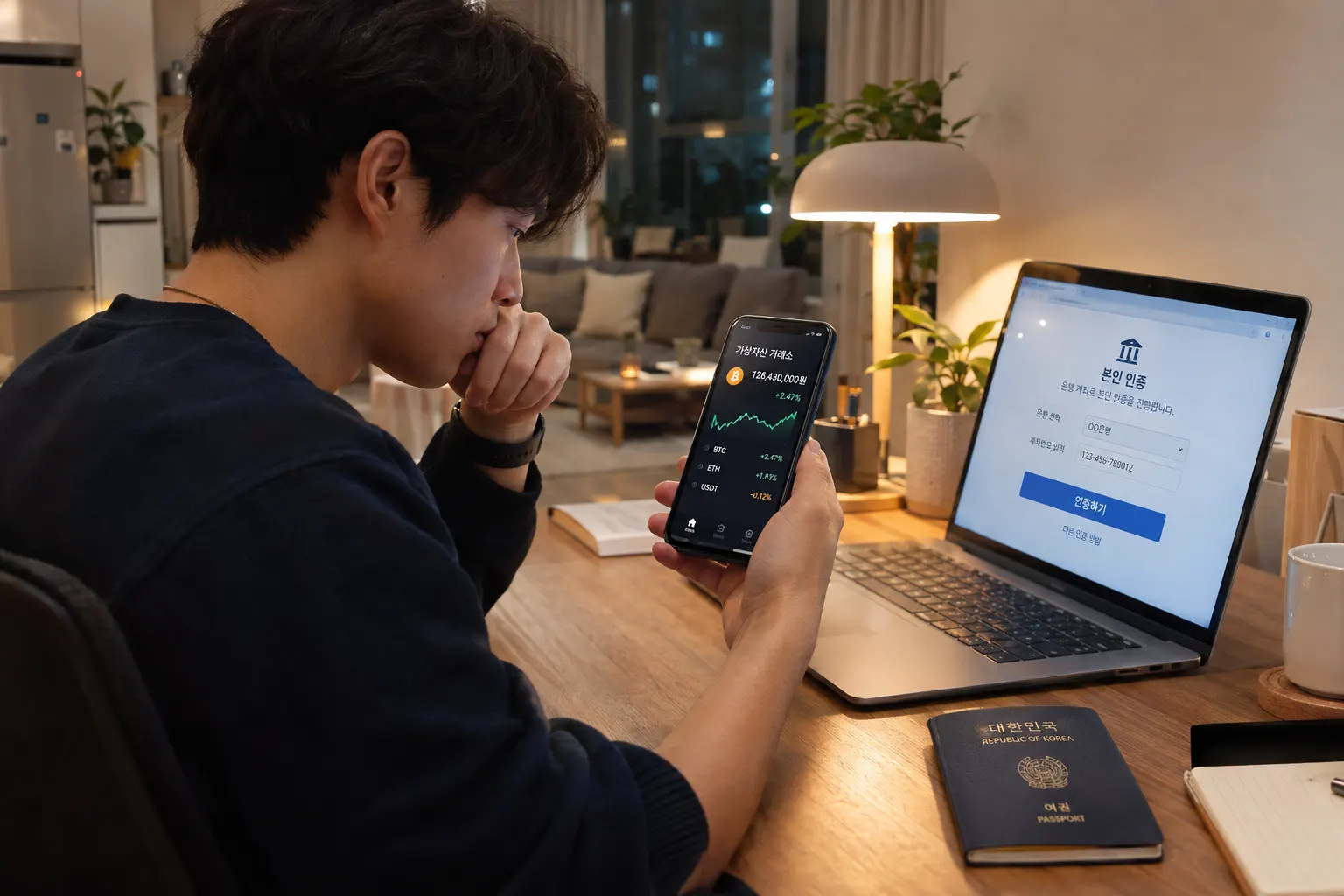
- Complete foundational Korean digital verification first, as covered in how Korean websites verify identity, a Korean phone number and typically a linked Korean bank account or card represent prerequisite steps before these apps become fully functional.
- Download and register with a specific app, Kakao Pay and Naver Pay represent the two most dominant options, integrated within Korea's two most widely used broader platforms (KakaoTalk messaging and Naver's search/portal ecosystem respectively), most residents end up using at least one of these regularly.
- Link your payment source, connecting a Korean bank account or card to the app, following the specific app's verification process, which sometimes requires additional identity confirmation steps beyond the basic account registration.
Common Uses Beyond Simple Retail Payment
- Splitting bills among friends, a genuinely popular use case, particularly at restaurants where splitting a bill evenly or by specific items among a group happens through instant transfers within the same app, rather than each person paying separately at the register or calculating cash amounts.
- Peer-to-peer money transfers, sending money to a friend or family member instantly through the app, functioning similarly to how digital payment apps handle person-to-person transfers in other countries, generally faster and more convenient than a traditional bank transfer for smaller, casual amounts between individuals.
- Bill payments and subscription management, as covered in how subscriptions and recurring payments work in Korea, some recurring payments can be managed directly through these digital wallet apps rather than solely through traditional card auto-billing.
Practical Considerations for Foreign Users
- Language interface, both Kakao Pay and Naver Pay have some English-language support, though full feature access and understanding specific menu options sometimes still benefits from at least basic Korean comprehension or active translation app use for less common features.
- Merchant acceptance varies, while QR payment acceptance has grown enormously, particularly in urban areas, not every merchant, particularly smaller or older establishments, has adopted QR payment infrastructure, standard card payment remains more universally accepted as a fallback.
- Security practices, similar to any digital payment method, understanding your specific app's security features, PIN protection, biometric authentication options, and being cautious about scanning unfamiliar QR codes from unverified sources, matters for safe usage.
Common Mistakes Foreign Residents Make
- Assuming QR payment apps work immediately upon arrival, without understanding the foundational Korean phone number and bank account prerequisites that need to be in place first, similar to other Korean digital services requiring this verification chain.
- Not understanding which payment source is actually being charged, particularly if multiple cards or accounts are linked within a single app, leading to confusion about where specific charges are actually drawing from.
- Underestimating the bill-splitting and peer transfer functionality, missing genuinely convenient features beyond simple retail payment that many Korean social and dining situations specifically rely on.
- Assuming universal merchant acceptance, encountering situations where a specific small business doesn't support QR payment, worth having a backup card payment method available rather than assuming QR payment alone covers every situation.
Quick Summary
- Korean QR-based digital wallet payment, primarily through Kakao Pay and Naver Pay, works by scanning or displaying a QR code rather than tapping a physical card, drawing from a linked bank account, card, or wallet balance.
- Setting this up requires foundational Korean digital verification first, a Korean phone number and typically a linked bank account or card, before full functionality becomes accessible.
- Beyond retail payment, these apps are widely used for splitting bills among friends and peer-to-peer money transfers, functioning as a broader everyday payment and transfer ecosystem.
- Merchant acceptance, while widespread in urban areas, isn't universal, keeping a standard card as backup and understanding your specific app's linked payment source helps avoid confusion and payment failures.