How Subscription Services and Recurring Payments Work in Korea
If you've signed up for a streaming service, a gym membership, or a monthly delivery box in Korea and later tried to cancel it, you may have discovered the process isn't always as simple as clicking "unsubscribe." Korea has its own conventions around recurring billing, cancellation windows, and payment methods that differ from what many foreign residents are used to, and a surprising number of people end up paying for services they meant to cancel months earlier.
Here's how subscriptions and recurring payments actually work in Korea, and where foreigners commonly lose money without realizing it.
How Payment Is Typically Set Up
Korean subscription services generally rely on one of a few payment methods, and which one you use affects how easy cancellation actually is.
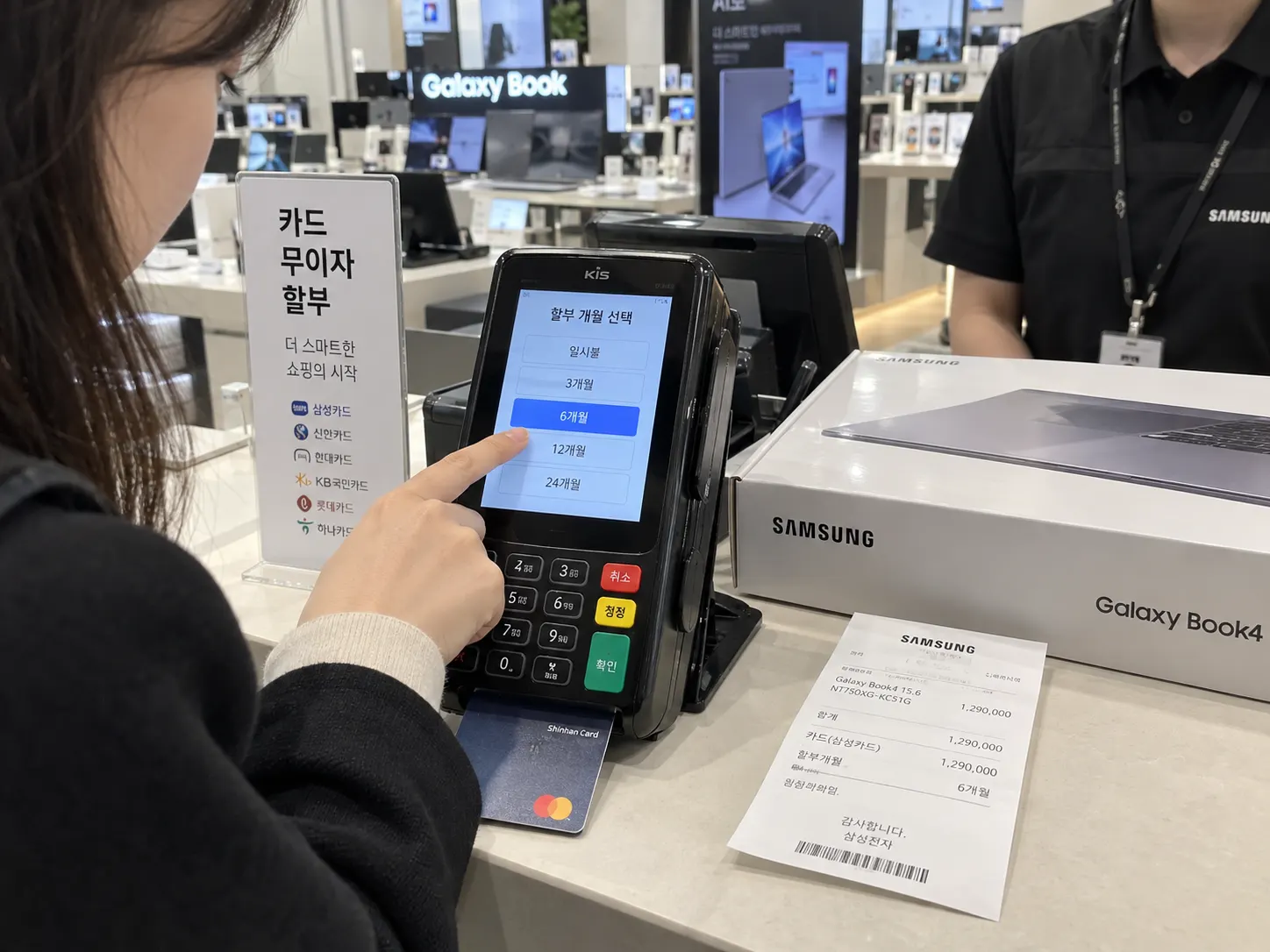
- Korean credit or check card auto-billing is the most common method, tied directly to your card, and cancellation usually requires going through the service provider's own cancellation process, not just removing a card from your account.
- Mobile carrier billing, where subscription costs are added directly to your monthly phone bill, common for certain content or app subscriptions, sometimes creates confusion since the charge doesn't appear as a separate line item unless you check your carrier bill closely.
- Bank account direct debit (자동이체) is used for things like gym memberships or certain recurring services, and stopping it sometimes requires canceling with your bank in addition to the service provider, not just one or the other.
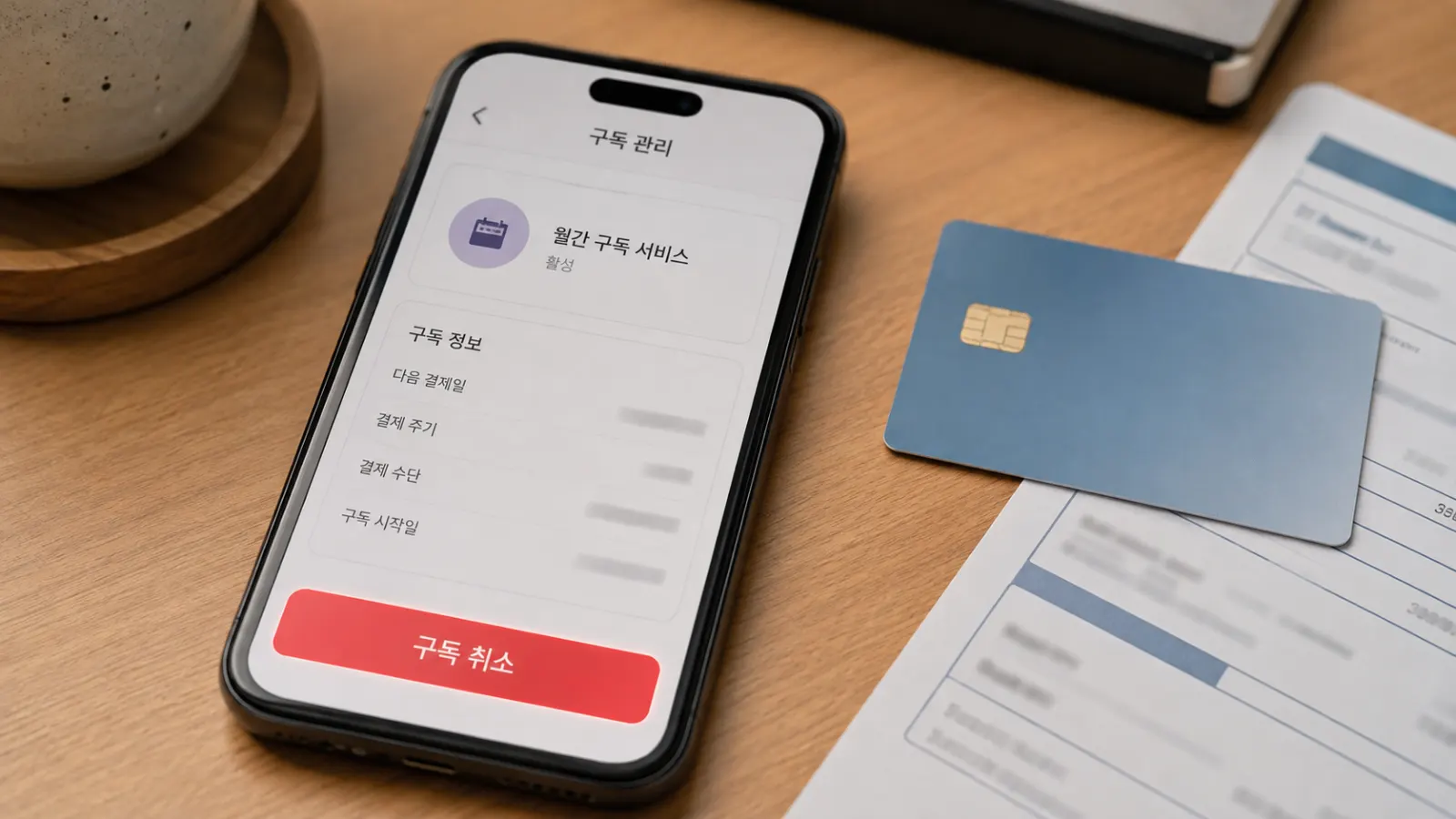
A common misunderstanding is assuming that canceling a card, or removing it from an app, automatically ends the subscription. In many cases, the subscription contract itself needs to be formally canceled through the provider, a card being declined afterward can trigger a separate issue rather than a clean cancellation.
Contract Terms That Catch People Off Guard
Certain categories of subscriptions in Korea come with contract structures that are stricter than many foreign consumers expect:
- Gym memberships frequently involve multi-month or annual contracts with meaningful early cancellation penalties, month-to-month gym memberships exist but are less common and sometimes priced at a premium compared to committing to a longer term.
- Language academies and hagwon for adults sometimes require advance notice for cancellation, and partial refunds for unused sessions can be calculated in ways that aren't immediately obvious from the sign-up paperwork.
- Beauty and wellness memberships (skincare clinics, some fitness studios) sometimes bundle a large upfront payment for a set number of sessions rather than a simple monthly subscription, making it harder to "cancel" in the traditional sense once you've prepaid.
Reading the cancellation and refund terms before signing, even if it means asking a Korean-speaking friend to review the fine print, tends to prevent the most common problems here.
Digital Subscriptions and International Billing
Streaming services, cloud storage, and software subscriptions bought through international platforms (Netflix, Spotify, Apple, Google) generally follow the same cancellation process as anywhere else, since these are managed through your global account rather than a Korea-specific system. Where confusion arises is with:
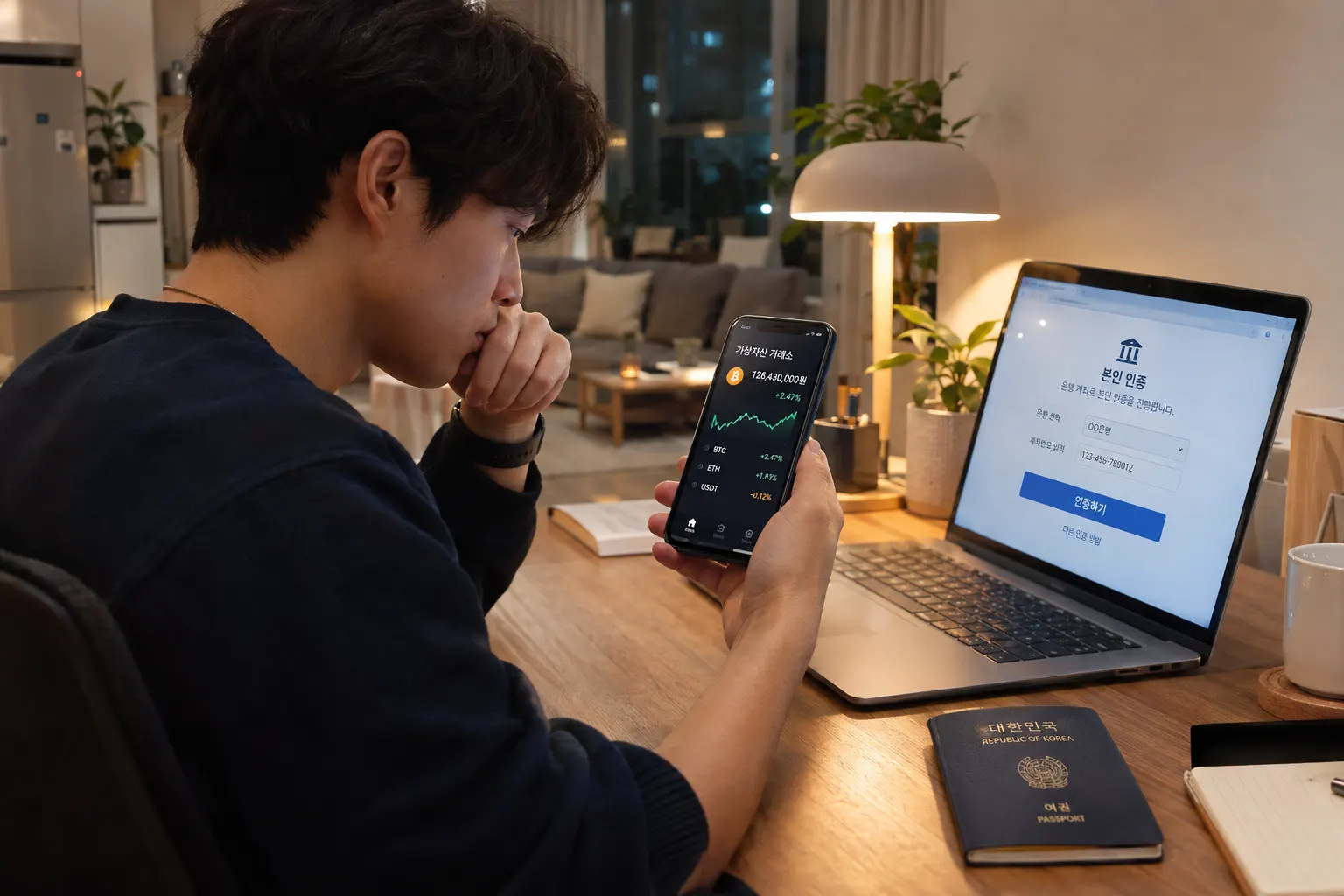
- Korea-specific streaming and content platforms, which sometimes require a Korean phone number or PASS verification just to manage your account settings, including cancellation, an extension of the broader identity verification system used across many Korean digital services.
- Regional pricing and currency, some services bill in KRW at a different rate than your home country's pricing, worth checking if you're comparing costs against what you paid before moving to Korea.
How to Cancel Without Getting Stuck
- Identify the actual cancellation channel, this is sometimes an app setting, sometimes a phone call, and sometimes only available in person at a physical location, particularly for older or smaller Korean businesses.
- Get cancellation confirmation in writing or via app notification, rather than assuming a verbal or phone cancellation was properly processed.
- Check your next billing statement to confirm the charge actually stopped, rather than assuming cancellation was immediate.
- For direct debit or auto-billing setups, consider also removing authorization at the bank level if the service provider's own cancellation process seems unresponsive or unclear.
Common Mistakes Foreign Residents Make
- Assuming a free trial won't auto-convert to a paid subscription, many Korean services follow the same auto-renewal pattern common elsewhere, but with cancellation windows or confirmation steps that aren't always clearly flagged in English.
- Not checking mobile carrier bills closely, since some subscription charges appear bundled into the phone bill rather than as a separate, easily identifiable transaction.
- Signing multi-month contracts for cost savings without confirming the early cancellation penalty, only realizing later that leaving early costs more than the savings were worth.
- Assuming a subscription bought while on a tourist visa or short visit will be easy to cancel remotely after leaving Korea, some services strongly prefer in-app or in-country cancellation, which can be genuinely difficult to manage after departure.
Quick Summary
- Korean subscriptions often bill through card auto-payment, mobile carrier billing, or bank direct debit, and canceling one method doesn't always cancel the underlying subscription contract.
- Gym memberships, hagwon, and wellness services frequently involve stricter multi-month contracts and cancellation penalties than many foreign consumers expect.
- Korea-specific digital platforms sometimes require phone or PASS verification to manage account settings, including cancellation.
- Always confirm cancellation in writing and check your next billing statement, rather than assuming a subscription stopped immediately after you requested it.