Why Naver Map and KakaoMap Matter More Than Google Maps in Korea
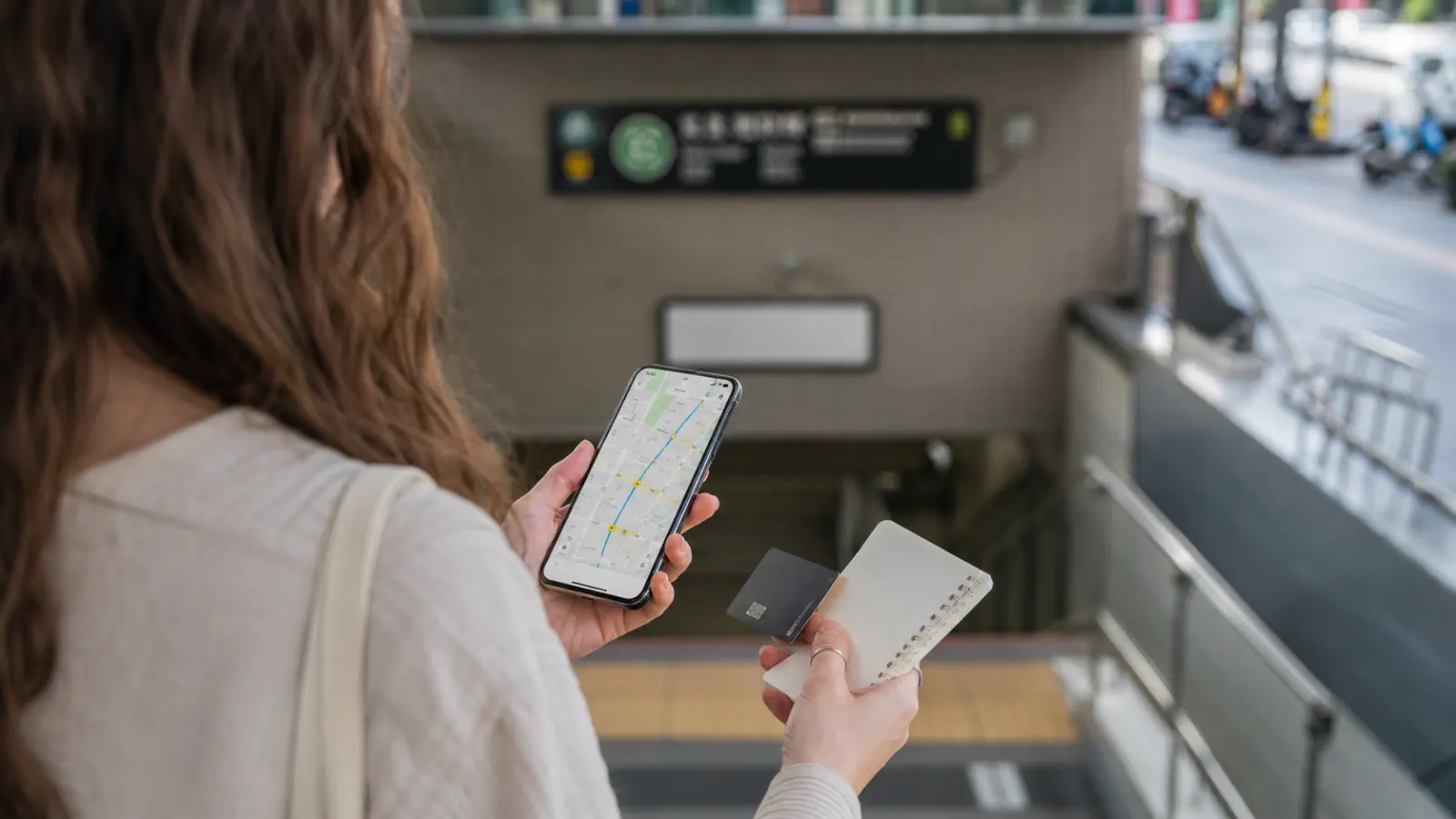
A foreign visitor may arrive in Korea, open Google Maps, and wonder why walking routes, business details, or local search results feel less useful than expected. The phone has data, the address is correct, and the place clearly exists, but the navigation experience still feels incomplete.
This is one of the first digital differences many foreigners notice in Korea. Google Maps can still be useful, but for daily movement, restaurant searching, bus timing, and neighborhood details, local map apps such as Naver Map and KakaoMap often work better.
Why map apps feel different in Korea
In many countries, Google Maps is the default for almost everything: walking directions, restaurant reviews, public transportation, opening hours, photos, and business discovery. In Korea, local platforms play a much larger role.
Korean businesses often manage their information more actively on Naver or Kakao. Local users leave reviews, search for restaurants, check wait times, look up menus, and save places through these platforms. This means the data foreigners want may exist, but not always in the app they normally use.
The common mistake is assuming that if a place does not show well on Google Maps, it is hard to find or not popular. In Korea, the better information may simply be inside a Korean map ecosystem.
Naver Map is often best for daily search
Naver Map is one of the most useful apps for living or traveling in Korea. It is especially strong for finding cafés, restaurants, clinics, shops, salons, public offices, subway exits, bus routes, and walking directions.
For foreigners, Naver Map is useful because it often shows practical details that matter in real life: business hours, photos, menus, nearby branches, parking information, phone numbers, and local reviews. It is not perfect in English, but even partial translation can be enough to make better decisions.
Naver Map is especially helpful when you are searching by category. Instead of typing the exact name of a restaurant, you can search for Korean words or English approximations such as pharmacy, hair salon, cafe, dermatologist, or bank. Results may be more useful if you use Korean terms, but English search has improved enough for many everyday needs.
KakaoMap is strong for local movement
KakaoMap is another major option. Some users prefer its interface, route displays, or bus and subway information. It can be useful for checking public transportation, estimating travel time, and finding local businesses.
KakaoMap may feel more natural if you already use KakaoTalk or other Kakao services. It can also be useful when checking places shared by Korean friends, classmates, coworkers, or local communities.
The realistic answer is that you do not need to choose only one. Many residents use more than one map app depending on the situation. If one app gives confusing directions or weak search results, checking the same place in another app can solve the problem quickly.
Google Maps still has a role
Google Maps is not useless in Korea. It can help with saved international travel lists, hotel locations, major landmarks, general area understanding, and English-language place names. It can also be useful when reading reviews from foreign visitors.
However, relying only on Google Maps can make Korea feel harder than it really is. Walking navigation may be less satisfying than expected, and some local businesses may have limited information compared with Korean platforms.
For first-time visitors, the best setup is simple: keep Google Maps for general orientation, but install at least one Korean map app for local movement.
The address problem
Korean addresses can confuse foreigners because road-name addresses, building names, floor numbers, subway exits, and older lot-number references may appear together. A café may be easier to find by searching its Korean name than by entering a translated address.
When you are going somewhere important, do not rely on one piece of information. Check:
- Korean business name
- Road-name address
- Building name
- Floor number
- Nearest subway exit
- Recent photos
- Opening hours
- Phone number if needed
This is especially important for clinics, small restaurants, beauty shops, private academies, offices, and appointment-only services. Many are located inside multi-floor buildings, not on obvious street-level storefronts.
Public transportation planning
Korea’s public transportation is one of the easiest parts of daily life once you know the apps. Local map apps can show subway transfers, bus arrival times, walking paths, and estimated travel times.
Still, foreigners should be careful with timing. A route that looks short on a map may include long underground transfers, steep hills, crowded stations, or a bus stop that is harder to find than expected.
When planning an important trip, add buffer time. This is especially true for airport transfers, hospital appointments, visa appointments, job interviews, concerts, and train departures. Korea’s transport system is efficient, but unfamiliar station layouts can slow you down.
Restaurant and café search
For food, Korean map apps can be more useful than global apps because locals often search, review, and save places there. Photos can show the real menu, seating style, waiting situation, and portion sizes.
A common misunderstanding is assuming a high rating means the same thing everywhere. Korean review culture, blog posts, paid promotions, and platform-specific rankings can influence how places appear. Do not judge only by stars. Look at recent photos, menu images, crowd patterns, and whether the place matches your needs.
For example, a restaurant may be popular but difficult for solo dining. A café may look beautiful but have limited seating. A clinic may be highly rated but not foreigner-friendly. Map results are a starting point, not a guarantee.
What foreigners should install before arrival
If you are visiting Korea for more than a day or two, install your map apps before you need them. Try searching for your hotel, airport route, and first few destinations while still relaxed.
A practical setup includes:
- Naver Map for local search and walking routes
- KakaoMap as a backup or alternative
- A translation app for Korean reviews and addresses
- Your hotel address saved in Korean
- Screenshots of key routes in case mobile data fails
This preparation takes only a few minutes but can prevent a lot of confusion after arrival.
Quick Summary
- Google Maps can be useful in Korea, but local map apps often provide better everyday details.
- Naver Map and KakaoMap are helpful for restaurants, clinics, bus routes, subway exits, and walking directions.
- Korean business names, building names, and floor numbers matter when finding smaller places.
- Install and test local map apps before depending on them for important appointments or travel.